

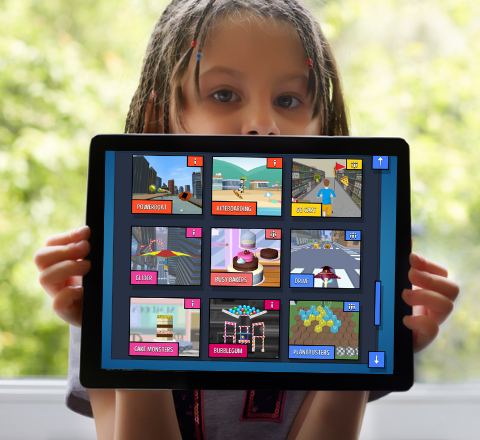
Games-based learning
Virtual rewards and instant feedback engage and motivate your pupils to enjoy their learning. Now with over 30 games to choose from!
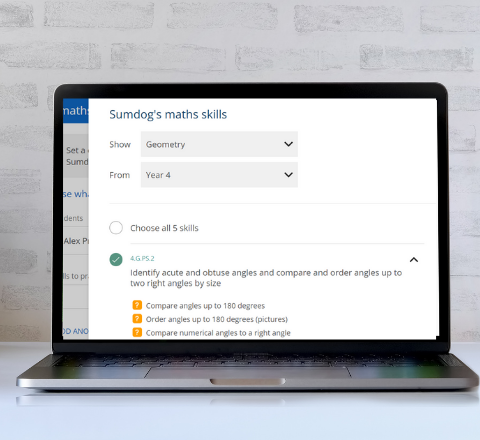
Personalised practice
Set differentiated practice for groups or individuals to keep everyone together and reduce any anxiety around maths ability. Supports maths mastery!
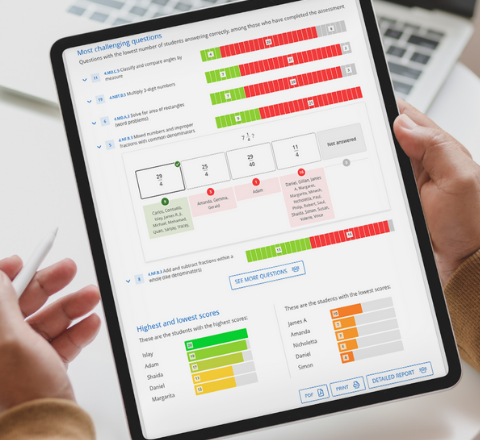
Assess and analyse
Use our ready-made informal online tests to make assessing easy for you and fun for your class. You can even build your own!

Basketball
Time to shoot some hoops! How many shots can you make from the 3 point line? Suitable for children age 7 and above who like sports based games.

Trim time
You have lots of hair cuts to do! Follow the guidelines to trim hair in the way people request to get a point. Suitable for all ages.

Dance
Dance in time with the stars and show off your awesome moves! Now with new dance moves and music, as well as the 3D avatar. Great for kids of all ages.
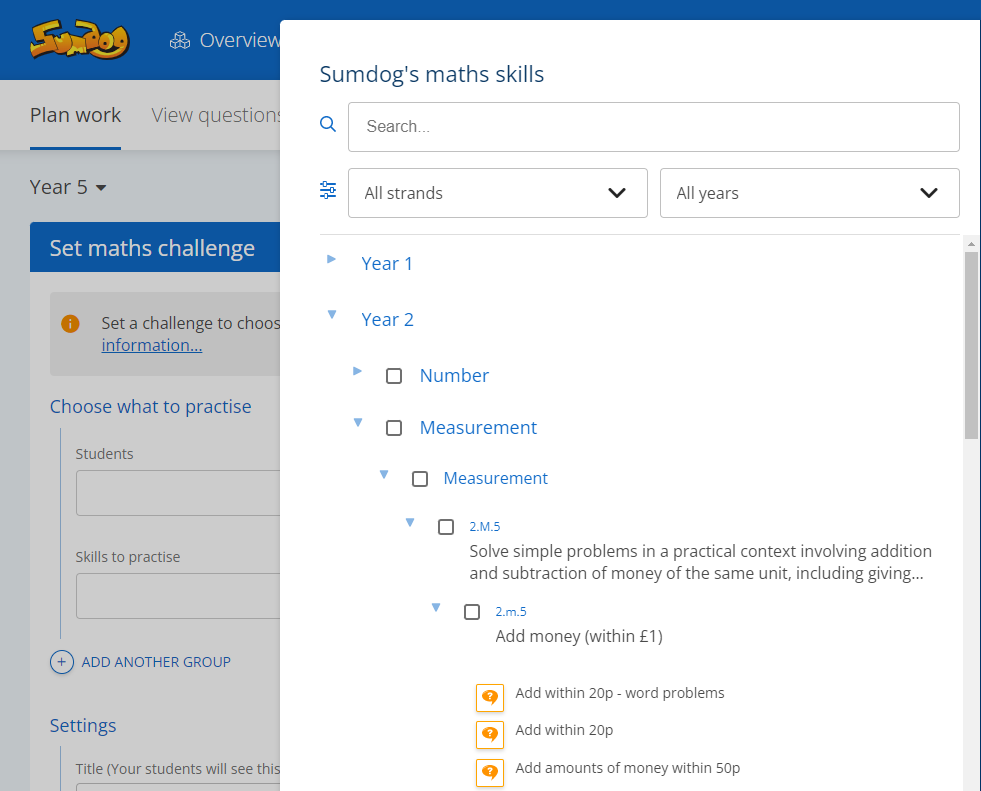
“The realignment of the curriculum has been an absolute game-changer. All the content is easily categorised and it makes it even easier to set challenges and assessments.”
Nathan Crame
Head of Maths, Littlegarth School

"We know short bursts of just 10-15 minutes on Sumdog each day can have a big impact"

Neil Kelsall
Lead Practitioner, Oasis Community Learning
"It definitely helps with fluency and recall, without a doubt.”

Jo Quince
Director of Education, Tennyson Learning Community